Buying guide
Pen displays
Our pick
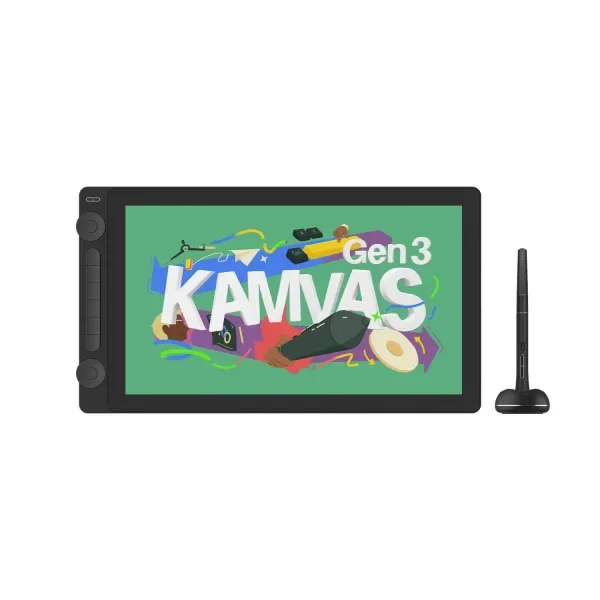
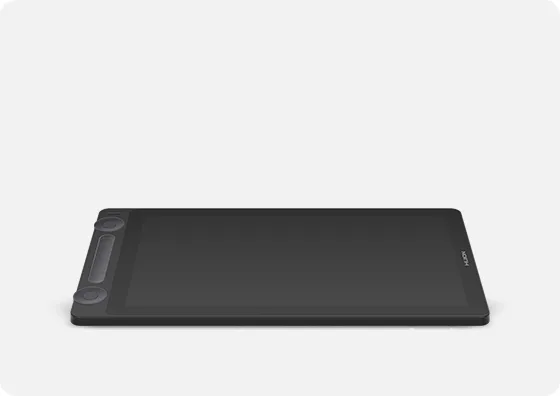
Huion Kamvas 16 (Gen 3)
Choose the Huion Kamvas 16 Gen 3 to keep two frequently used software functions on separate dial controls.1
Why this one
The alternatives
Other contenders
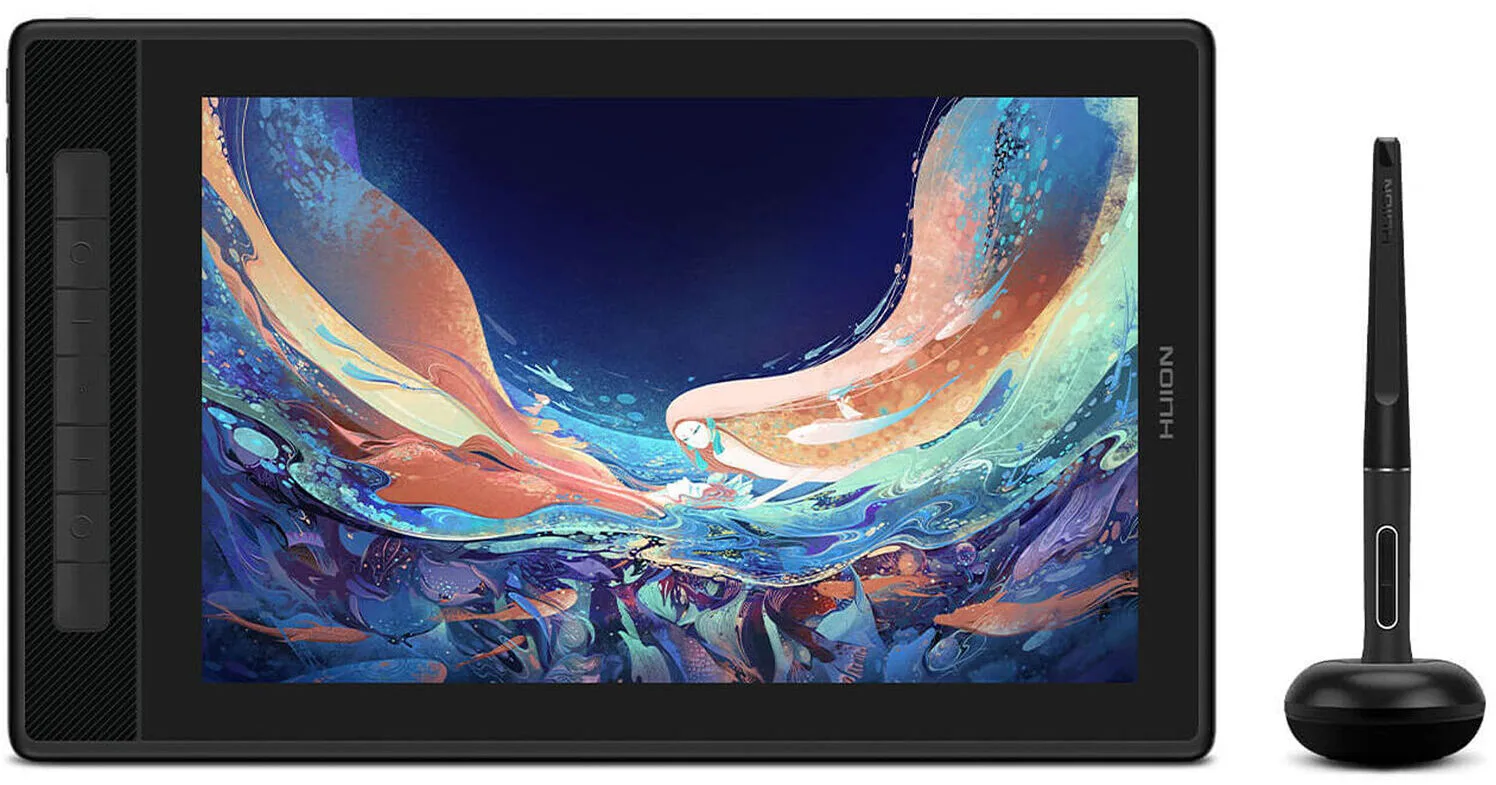
Choose the Kamvas Pro 13 (2.5K) for a 13.3 inch drawing screen with seven shortcut keys and a stand supplied in the box.89
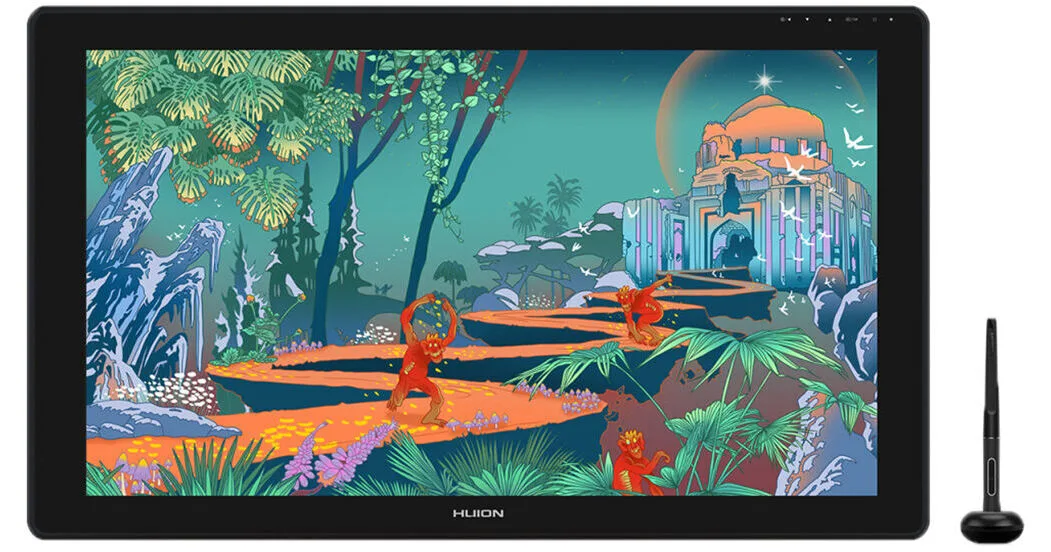
Choose Kamvas Pro 27 (144Hz) for a large 27 inch desktop canvas with finger touch navigation and an integrated stand.13
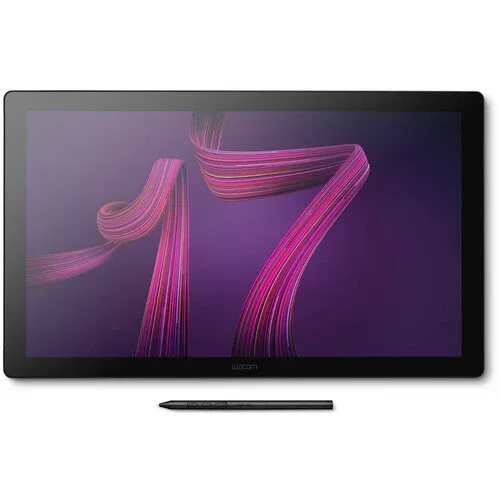
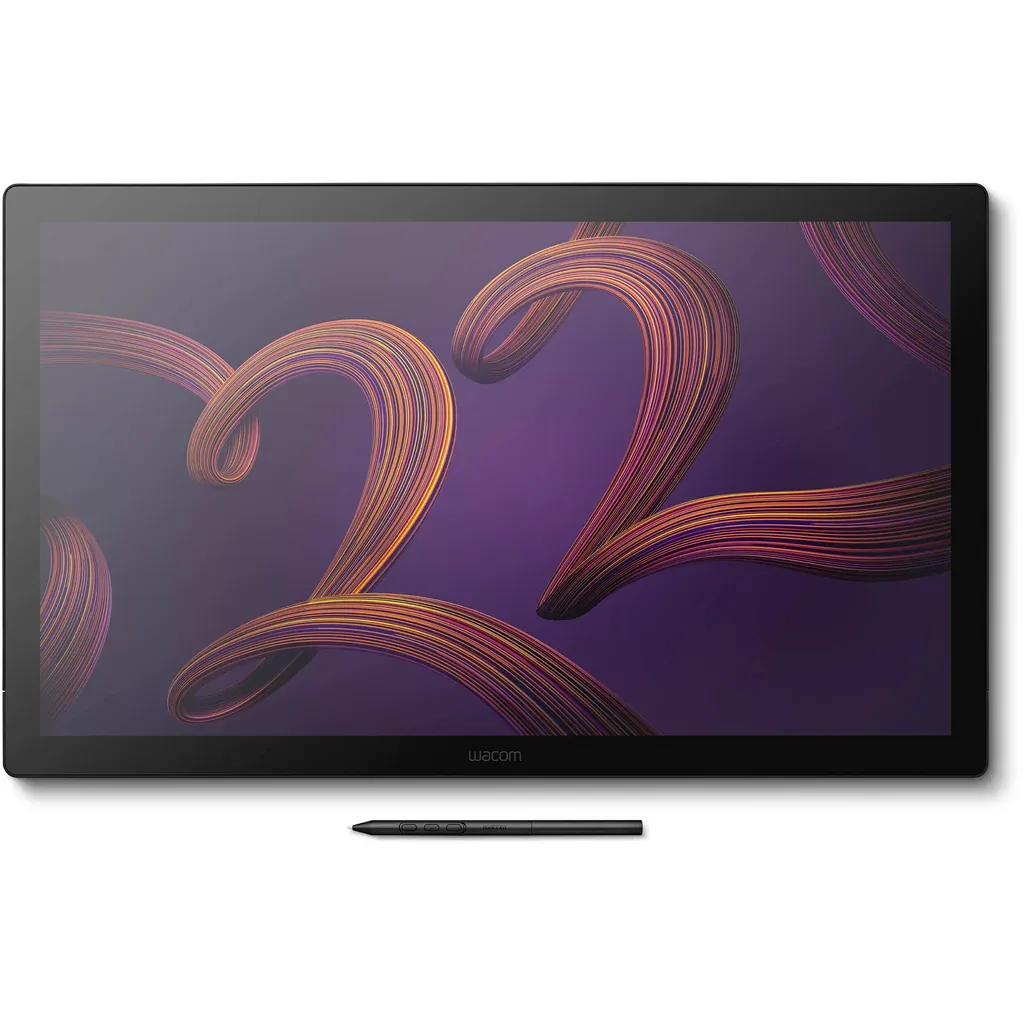
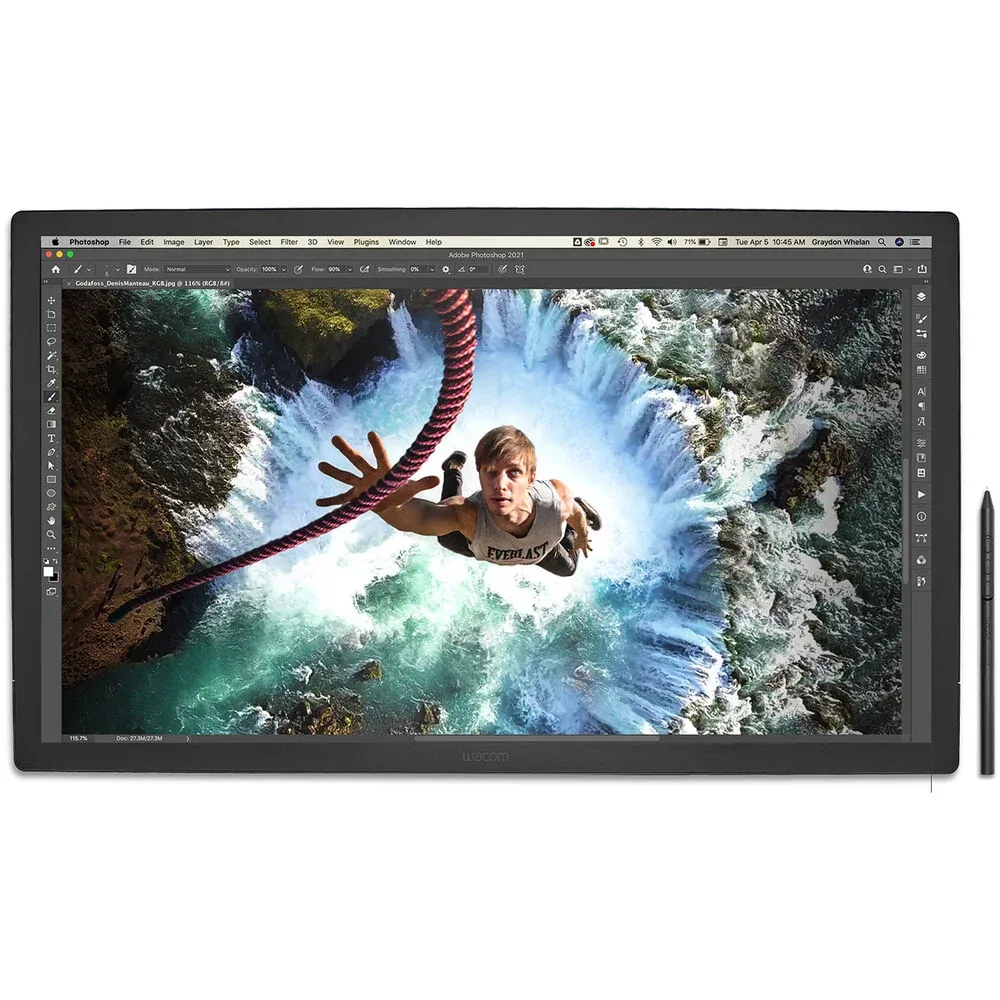
Choose Cintiq Pro 22 for a larger 21.5 inch canvas with eight built in shortcut keys when you want frequent commands on the display.115
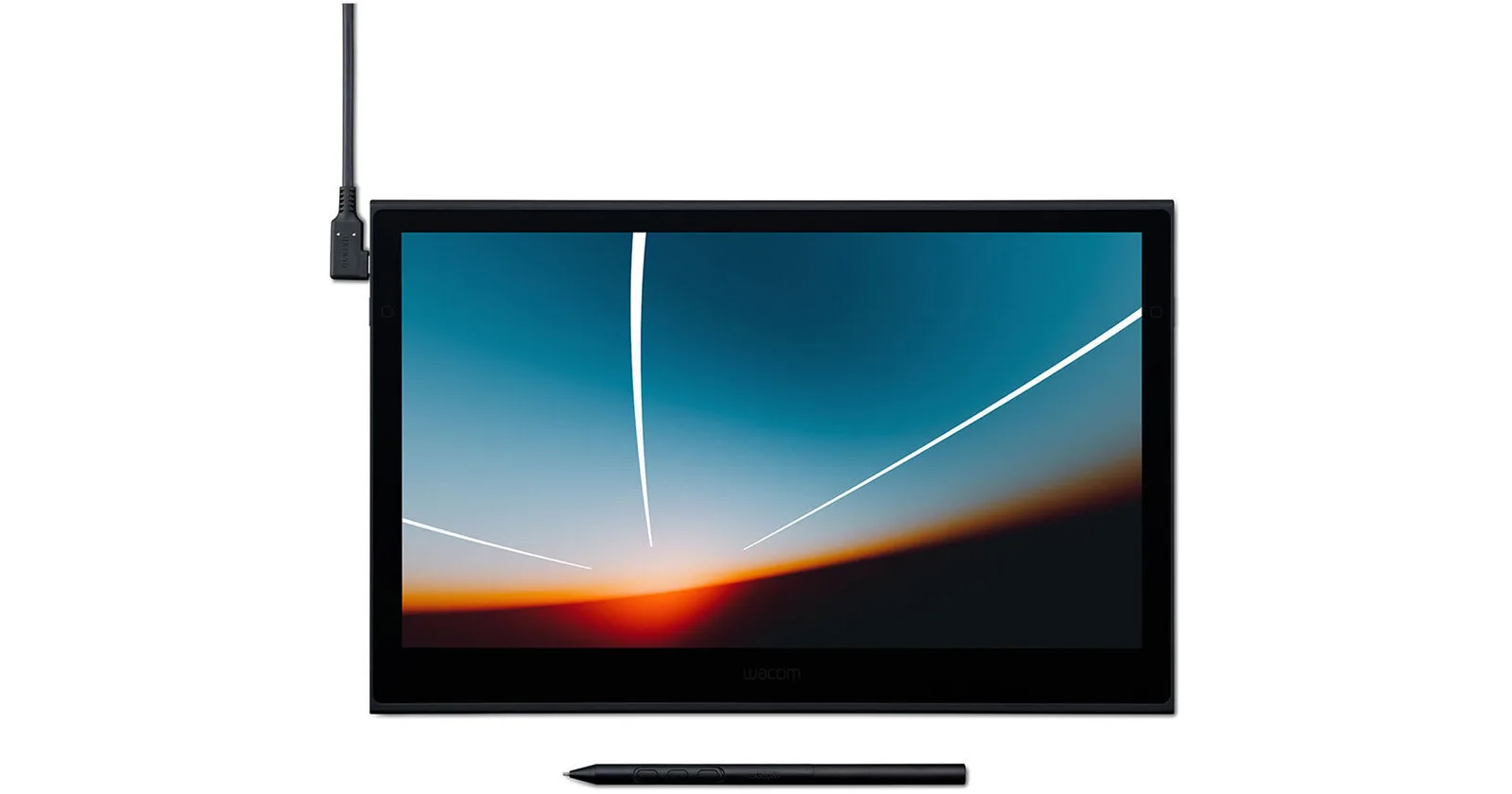
Choose Wacom Movink for finger navigation on a smaller 13.3 inch OLED screen.118
Buying advice
Compare the options
Products 1–24 of 35. 24 products
Filters and sorting apply to this page.
Browse all 35 models and their full specifications
Narrow your options
Reset requirementsProduct image unavailableHuion Kamvas 12
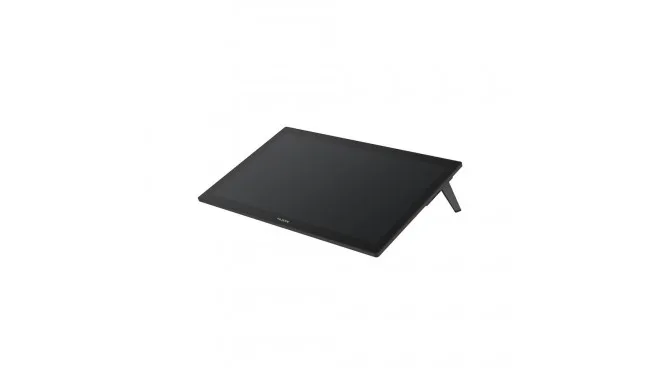
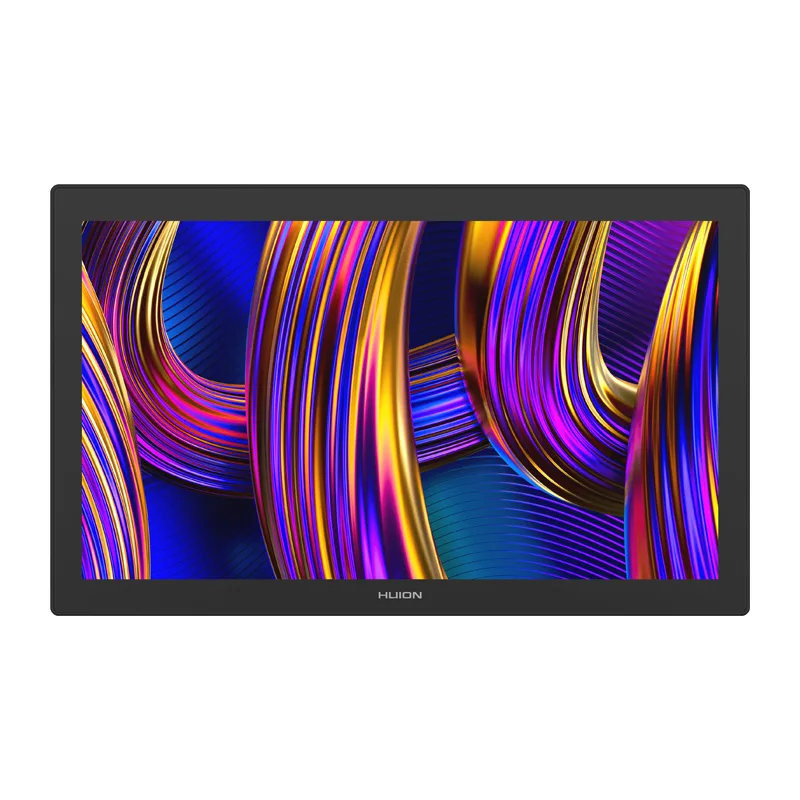
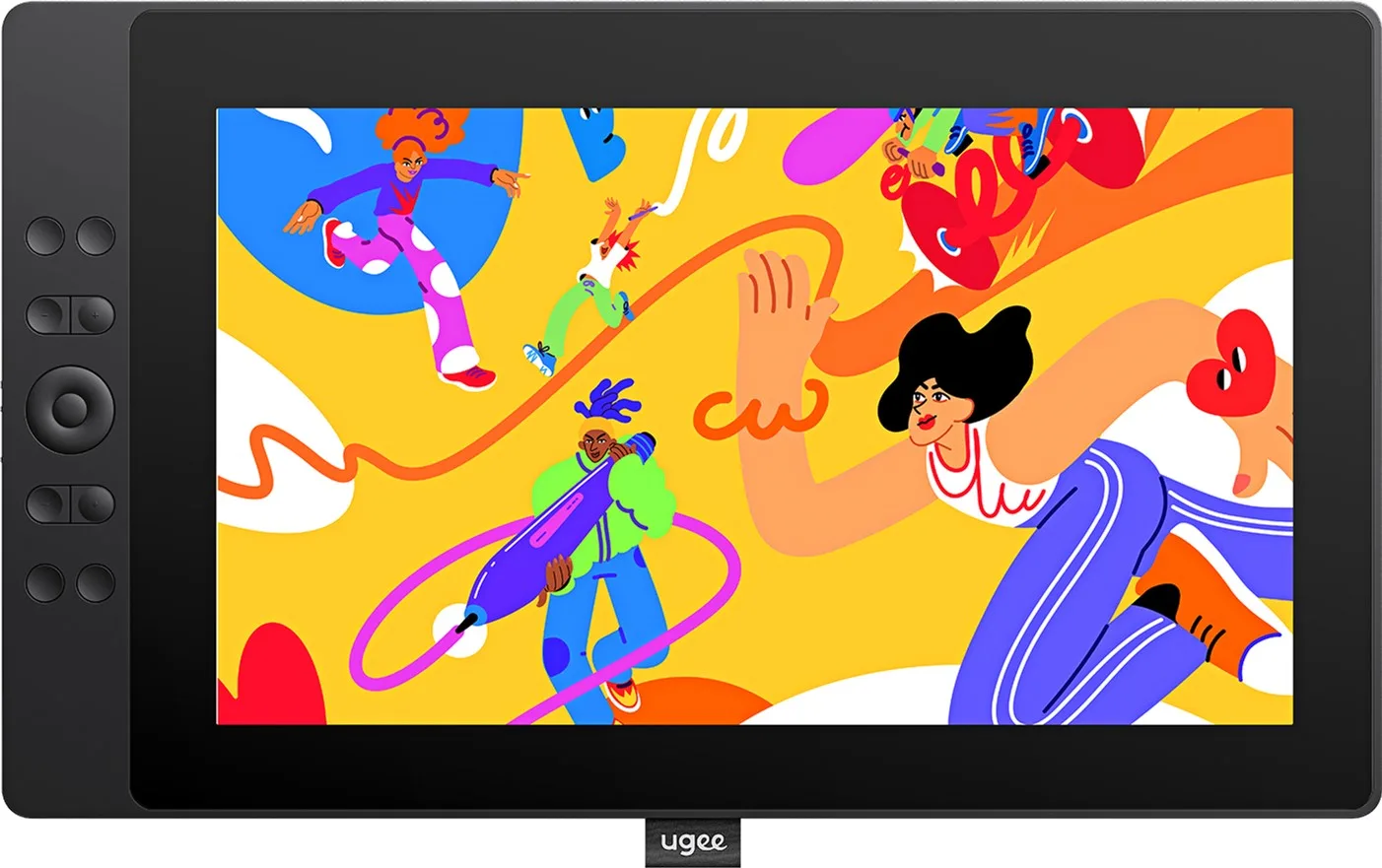
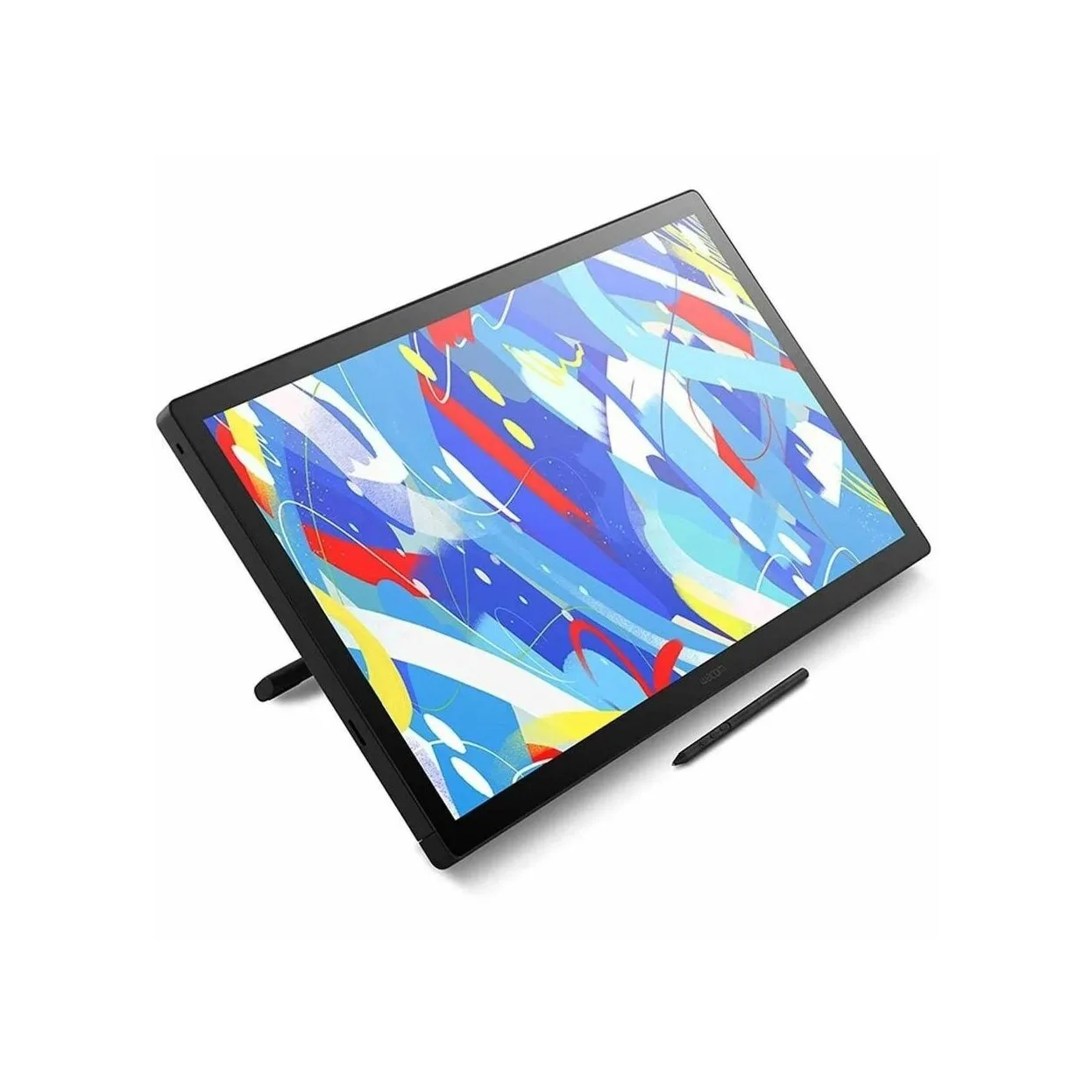

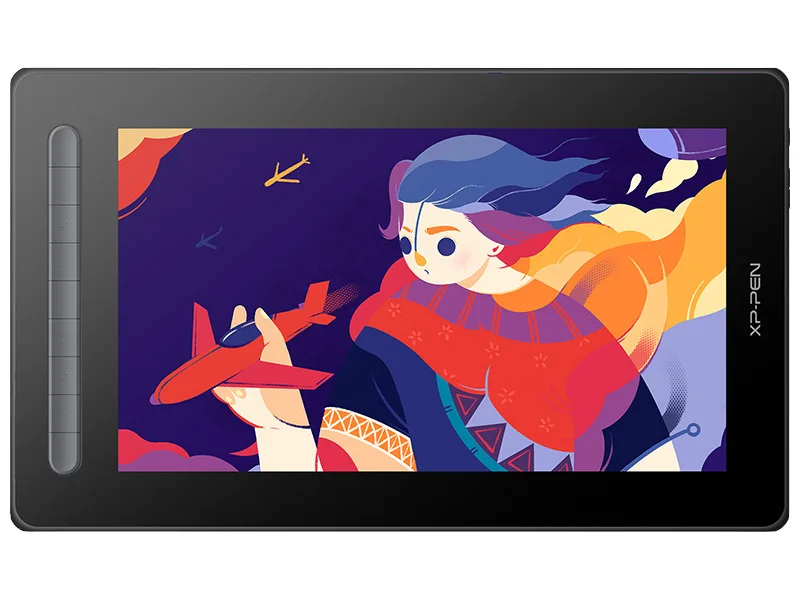
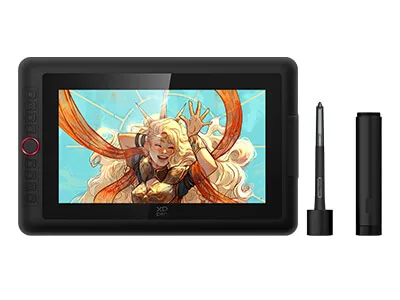
Compare models side by side
Choose two or three products to compare.
Models in this comparison
Every specification for these products
| Specification | Huion Kamvas 16 (Gen 3) | Huion Kamvas 12 | Huion Kamvas 13 (Gen 3) | Huion Kamvas 22 (Gen 3) | Huion Kamvas 22 Plus | Huion Kamvas 24 Plus | Huion Kamvas Pro 13 (2.5K) | Huion Kamvas Pro 19 | Huion Kamvas Pro 24 (Gen 3) | Huion Kamvas Pro 27 | Huion Kamvas Pro 27 (144Hz) | Ugee 16 | Wacom Cintiq 24 Touch | Wacom Cintiq Pro 17 | Wacom Cintiq Pro 22 | Wacom Cintiq Pro 27 | Wacom Movink | Wacom One 13 Touch | Wacom One 14 | Xencelabs Pen Display 16 | Xencelabs Pen Display 24+ | XPPen Artist 12 3rd | XPPen Artist 13 (2nd Gen) | XPPen Artist 13.3 Pro V2 |
|---|---|---|---|---|---|---|---|---|---|---|---|---|---|---|---|---|---|---|---|---|---|---|---|---|
| Screen size | 15.8 in1 | 11.6 in3 | 13.3 in4 | 21.5 in23 | 21.5 in5 | 23.8 in24 | 13.3 in8 | 18.4 in10 | 23.8 in11 | 27 in12 | 27 in13 | 15.4 in25 | 23.8 in14 | 17.3 in26 | 21.5 in15 | 26.9 in15 | 13.3 in18 | 13.3 in19 | 14 in27 | 15.6 in28 | 23.8 in22 | 11.9 in29 | 13.3 in30 | 13.3 in31 |
| Adobe RGB coverage | — | — | — | — | — | — | — | 96%10 | 99%11 | 98%12 | — | — | — | 88%15 | 95% (Configuration: Typical CIE 1931 coverage ratio)15 | — | 95%18 | — | — | 98%21 | 99%32 | 97% (Configuration: Color Gamut Coverage Ratio (typical))33 | — | 89% (Configuration: Color Gamut Coverage Ratio (typical))34 |
| Panel type | Ips1 | — | Ips4 | — | Ips5 | Ips6 | Ips8 | Ips10 | — | — | — | — | — | Ips15 | — | — | Oled18 | — | — | Oled21 | Ips22 | — | — | — |
| Touch input | — | No3 | — | — | — | No7 | No9 | Yes (Host: Windows only)10 | Yes11 | Yes (Host: Multi-touch is compatible only with Windows10 and later)12 | Yes13 | — | Yes14 | Yes15 | Yes16 | Yes17 | Yes18 | Yes19 | No20 | — | — | — | — | — |
| Brightness | — | — | 220 nits4 | — | — | 220 nits7 | 220 nits9 | — | — | — | — | — | — | — | — | — | — | — | — | — | — | — | — | — |
| Refresh rate | — | — | 60 Hz4 | — | — | — | — | — | 60 Hz35 | 60 Hz12 | 144 Hz36 | — | — | 120 Hz15 | 120 Hz16 | 120 Hz15 | — | — | — | — | 60 Hz32 | 60 Hz33 | — | — |
| Shortcut keys | 61 | — | — | — | — | — | 78 | 037 | — | — | — | — | — | 826 | 815 | 815 | — | — | — | — | — | — | 938 | 839 |
| Laminated screen | Yes1 | — | Yes4 | — | Yes5 | Yes6 | Yes8 | Yes10 | Yes35 | — | Yes13 | Yes25 | — | — | — | — | — | — | Yes27 | — | — | Yes33 | Yes38 | Yes34 |
Compare features
Reset requirements
Products 1–24 of 35. 24 products
Product image unavailableHuion Kamvas 12
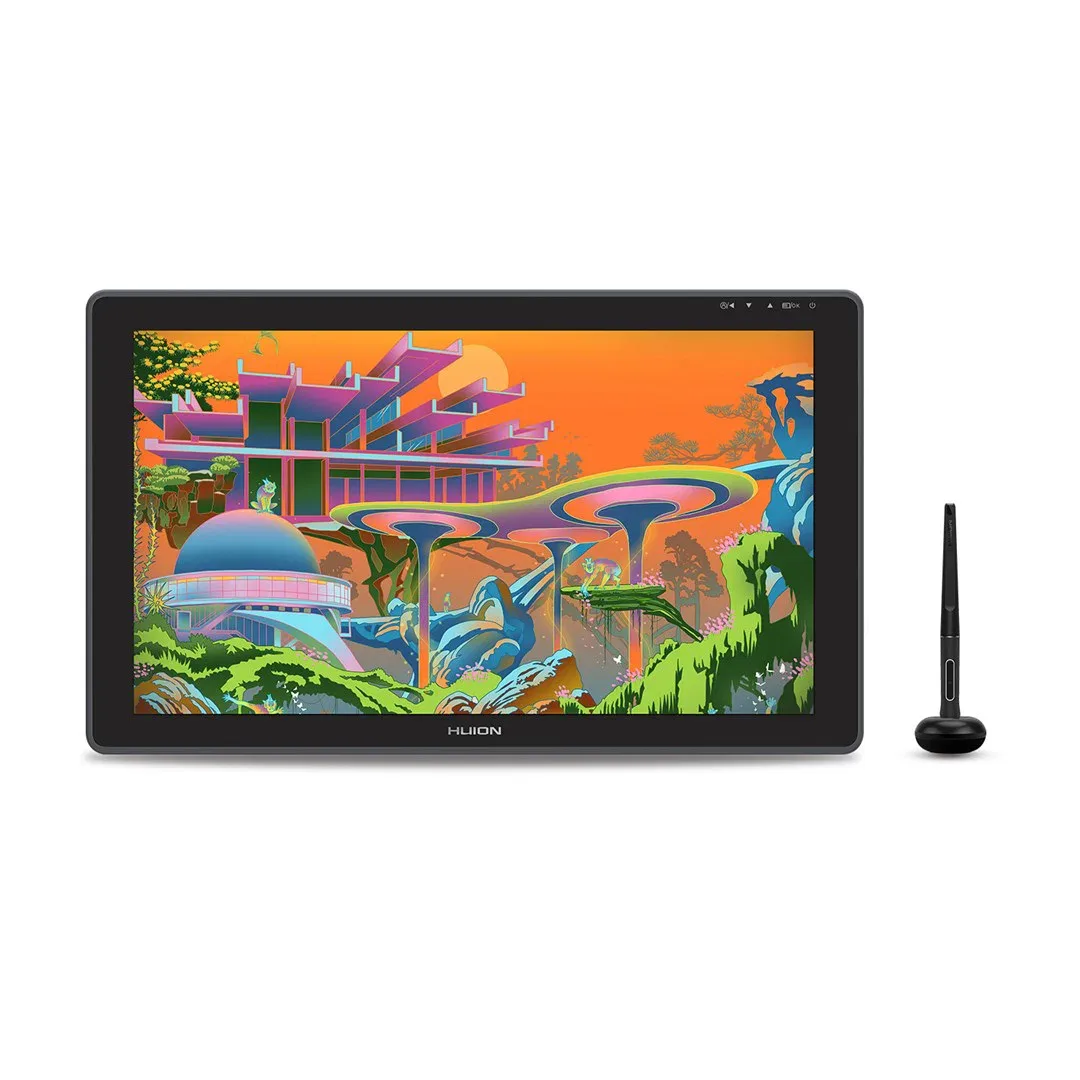
Huion Kamvas Pro 27
- Panel type
- —
- Touch input
- Yes (Host: Multi-touch is compatible only with Windows10 and later)12
How they compare
| Specification | Our pickHuion Kamvas 16 (Gen 3) | Huion Kamvas 12 | Huion Kamvas 13 (Gen 3) | Huion Kamvas 22 (Gen 3) | Huion Kamvas 22 Plus | Huion Kamvas 24 Plus | Huion Kamvas Pro 13 (2.5K) | Huion Kamvas Pro 19 | Huion Kamvas Pro 24 (Gen 3) | Huion Kamvas Pro 27 | Huion Kamvas Pro 27 (144Hz) | Ugee 16 | Wacom Cintiq 24 Touch | Wacom Cintiq Pro 17 | Wacom Cintiq Pro 22 | Wacom Cintiq Pro 27 | Wacom Movink | Wacom One 13 Touch | Wacom One 14 | Xencelabs Pen Display 16 | Xencelabs Pen Display 24+ | XPPen Artist 12 3rd | XPPen Artist 13 (2nd Gen) | XPPen Artist 13.3 Pro V2 |
|---|---|---|---|---|---|---|---|---|---|---|---|---|---|---|---|---|---|---|---|---|---|---|---|---|
| Buy | ||||||||||||||||||||||||
| Screen size | 15.8 in1 | 11.6 in3 | 13.3 in4 | 21.5 in23 | 21.5 in5 | 23.8 in24 | 13.3 in8 | 18.4 in10 | 23.8 in11 | 27 in12 | 27 in13 | 15.4 in25 | 23.8 in14 | 17.3 in26 | 21.5 in15 | 26.9 in15 | 13.3 in18 | 13.3 in19 | 14 in27 | 15.6 in28 | 23.8 in22 | 11.9 in29 | 13.3 in30 | 13.3 in31 |
| Adobe RGB coverage | — | — | — | — | — | — | — | 96%10 | 99%11 | 98%12 | — | — | — | 88%15 | 95% (Configuration: Typical CIE 1931 coverage ratio)15 | — | 95%18 | — | — | 98%21 | 99%32 | 97% (Configuration: Color Gamut Coverage Ratio (typical))33 | — | 89% (Configuration: Color Gamut Coverage Ratio (typical))34 |
| Panel type | Ips1 | — | Ips4 | — | Ips5 | Ips6 | Ips8 | Ips10 | — | — | — | — | — | Ips15 | — | — | Oled18 | — | — | Oled21 | Ips22 | — | — | — |
| Touch input | — | No3 | — | — | — | No7 | No9 | Yes (Host: Windows only)10 | Yes11 | Yes (Host: Multi-touch is compatible only with Windows10 and later)12 | Yes13 | — | Yes14 | Yes15 | Yes16 | Yes17 | Yes18 | Yes19 | No20 | — | — | — | — | — |
| Brightness | — | — | 220 nits4 | — | — | 220 nits7 | 220 nits9 | — | — | — | — | — | — | — | — | — | — | — | — | — | — | — | — | — |
| Refresh rate | — | — | 60 Hz4 | — | — | — | — | — | 60 Hz35 | 60 Hz12 | 144 Hz36 | — | — | 120 Hz15 | 120 Hz16 | 120 Hz15 | — | — | — | — | 60 Hz32 | 60 Hz33 | — | — |
| Shortcut keys | 61 | — | — | — | — | — | 78 | 037 | — | — | — | — | — | 826 | 815 | 815 | — | — | — | — | — | — | 938 | 839 |
| Laminated screen | Yes1 | — | Yes4 | — | Yes5 | Yes6 | Yes8 | Yes10 | Yes35 | — | Yes13 | Yes25 | — | — | — | — | — | — | Yes27 | — | — | Yes33 | Yes38 | Yes34 |
Sources
- www.huion.com
- www.xp-pen.com
- www.techstores.gr
- www.huion.com
- www.huion.com
- www.huion.com
- www.bhphotovideo.com
- www.huion.com
- www.bhphotovideo.com
- www.huion.com
- www.huion.com
- www.huion.com
- www.huion.com
- www.wacom.com
- wacom.com
- www.tanotis.com
- www.wacom.com
- www.wacom.com
- support.wacom.com
- www.tech-america.com
- download01.xencelabs.com
- www.prographics.shop
- www.huion.com
- www.huion.com
- www.ugee.com
- www.dell.com
- support.wacom.com
- www.motionmedia.com
- www.topbiz.fr
- www.parkablogs.com
- www.xp-pen.com
- www.xencelabs.com
- www.xp-pen.com
- www.xp-pen.com
- www.huion.com
- www.huion.com
- www.kabum.com.br
- www.xp-pen.com
- www.bhphotovideo.com