Product image unavailableHuion Kamvas 12
Pen displays
Huion Kamvas 22 Plus
Why choose it
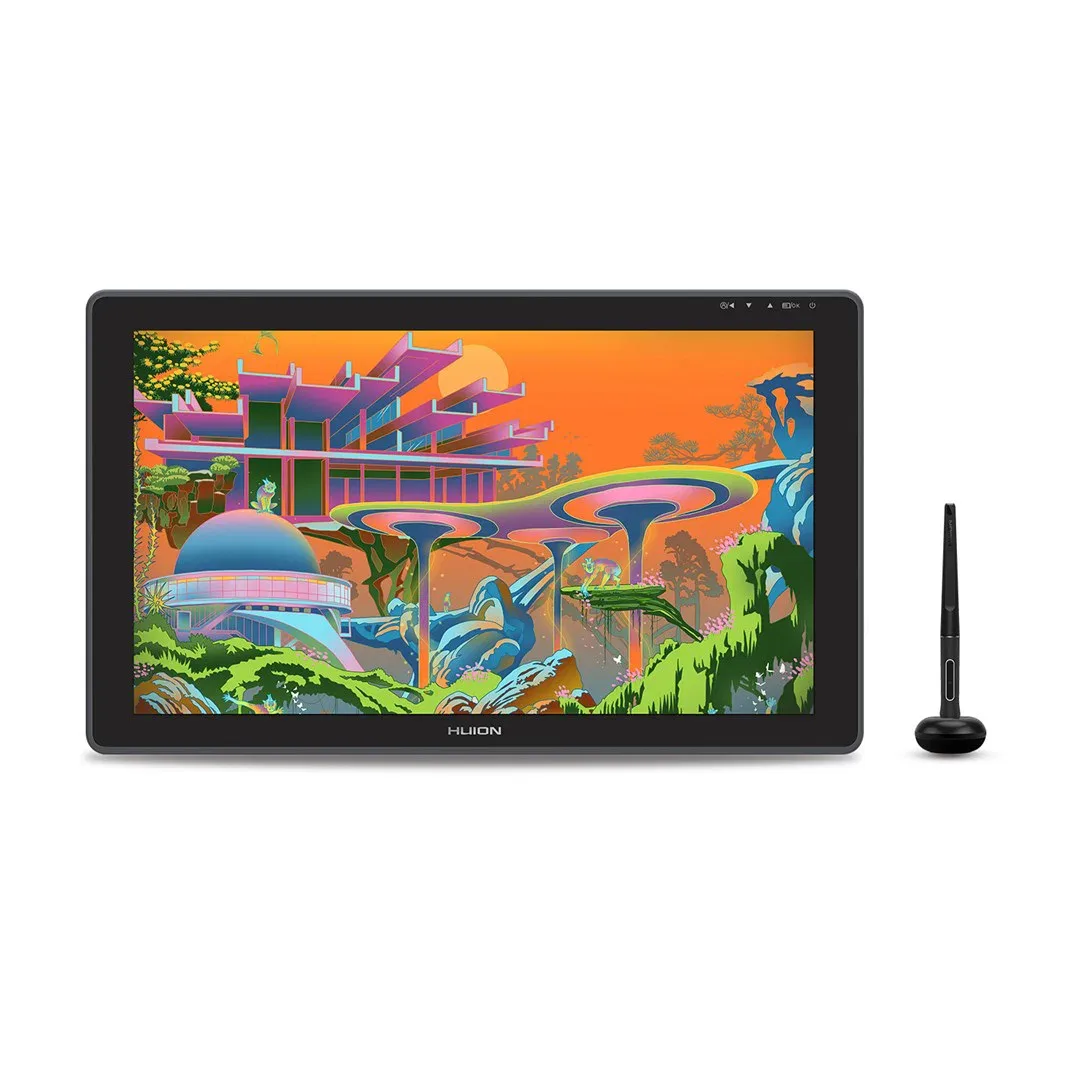
The Kamvas 22 Plus pairs a 21.5-inch screen with USB-C input, making it useful for a dedicated drawing desk where you want a large canvas and that connection option.1
Before you buy
For a USB-C connection, the Kamvas 22 Plus needs a host port supporting USB 3.1 Gen 1 and DisplayPort 1.2; the connector alone is not enough.1
The details
Specifications
Core specifications4
| Screen size | 21.5 in1 |
|---|---|
| Pressure sensitivity | 8,1921 |
| Panel type | Ips1 |
| Laminated screen | Yes1 |
More specifications2
| USB-C input | Yes1 |
|---|---|
| Android device support | Yes (Tested configuration: USB-C ports on phones, tablets and PCs should at least support USB3.1 GEN1 data transfer protocol and DP1.2.)1 |
Specifications not documented (12)
Adobe RGB coverage, Horizontal resolution, Touch input, Brightness, Refresh rate, Shortcut keys, sRGB coverage, Active area width, Active area height, HDMI input, Calman Verified, Stand.
Compare the tradeoffs
Alternatives
- Huion Kamvas Pro 27 (144Hz)
- Huion Kamvas Pro 24 (Gen 3)
- Huion Kamvas Pro 19
- Huion Kamvas Pro 27
- Huion Kamvas 22 (Gen 3)
- Huion Kamvas 24 Plus
- Huion Kamvas Pro 13 (2.5K)
- XPPen Artist Ultra 14
- XPPen Artist Pro 27 (Gen 2)
- XPPen Artist Pro 22 (Gen 2)
- XPPen Artist 15.6 Pro V2
- XPPen Artist 13.3 Pro V2
- XPPen Artist Pro 24 (Gen 2) 4K
- XPPen Artist Pro 24 (Gen 2) 165Hz
- XPPen Artist Pro 19 (Gen 2)
- XPPen Artist Pro 16 (Gen 2)
- XPPen Artist Pro 14 (Gen 2)
- XPPen Artist 12 3rd
- XPPen Artist 22 Plus
- XPPen Artist 13 (2nd Gen)
- XPPen Artist 16 (2nd Gen)
- Wacom One 14
- Wacom Movink
- Wacom Cintiq Pro 27
- Wacom Cintiq Pro 22
- Wacom Cintiq Pro 17
- Xencelabs Pen Display 16
- Xencelabs Pen Display 24+
- Wacom One 13 Touch
- Ugee 16
- Wacom Cintiq 24 Touch