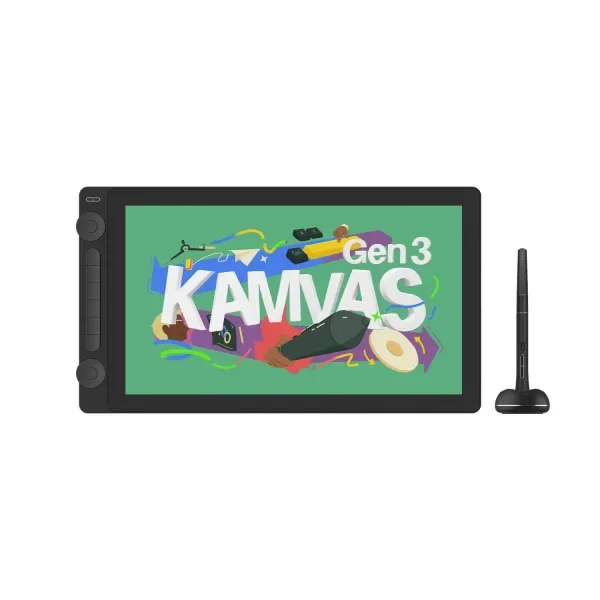
Huion Kamvas 16 (Gen 3)
It has two customizable dials, compared with one dial wheel on the XPPen Artist 15.6 Pro V2.34 Six built in shortcut keys keep frequent drawing commands beside your free hand.3
Compare products. Choose well.
Pen displays
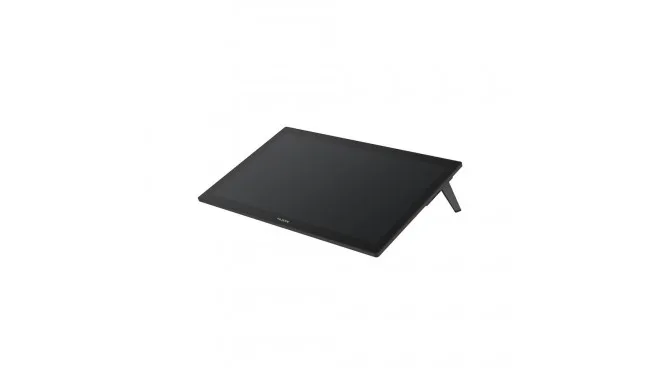
Huion Kamvas Pro 27 suits artists who want a large desktop canvas: its 27-inch display also supports finger navigation on Windows 10 and later.1
The details
| Screen size | 27 in1 |
|---|---|
| Pressure sensitivity | 16,3842 |
| Adobe RGB coverage | 98%1 |
| Touch input | Yes (Host: Multi-touch is compatible only with Windows10 and later)1 |
| Refresh rate | 60 Hz1 |
| sRGB coverage | 99%1 |
|---|
It has two customizable dials, compared with one dial wheel on the XPPen Artist 15.6 Pro V2.34 Six built in shortcut keys keep frequent drawing commands beside your free hand.3
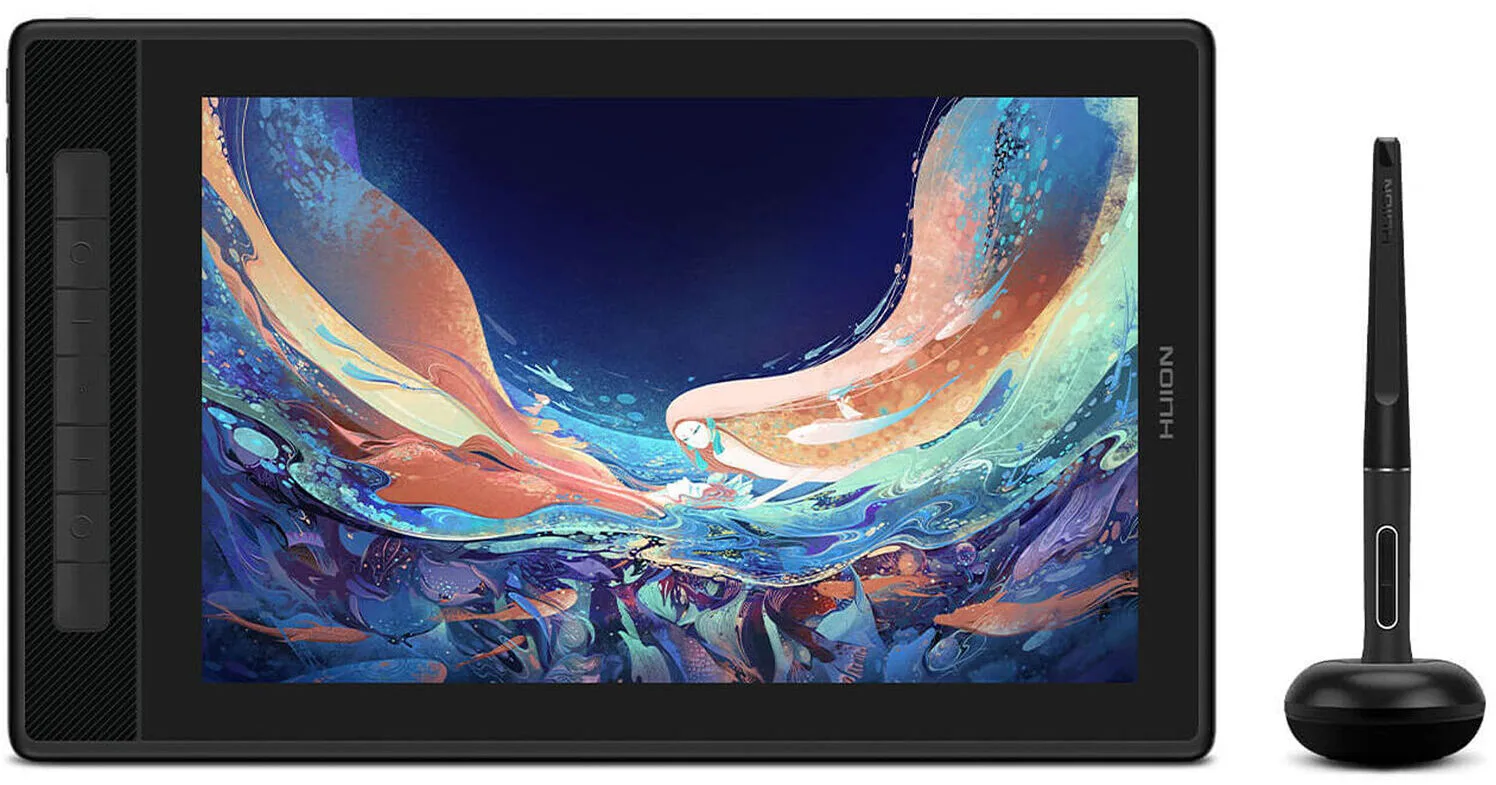
Choose the Kamvas Pro 13 (2.5K) for a 13.3 inch drawing screen with seven shortcut keys and a stand supplied in the box.56
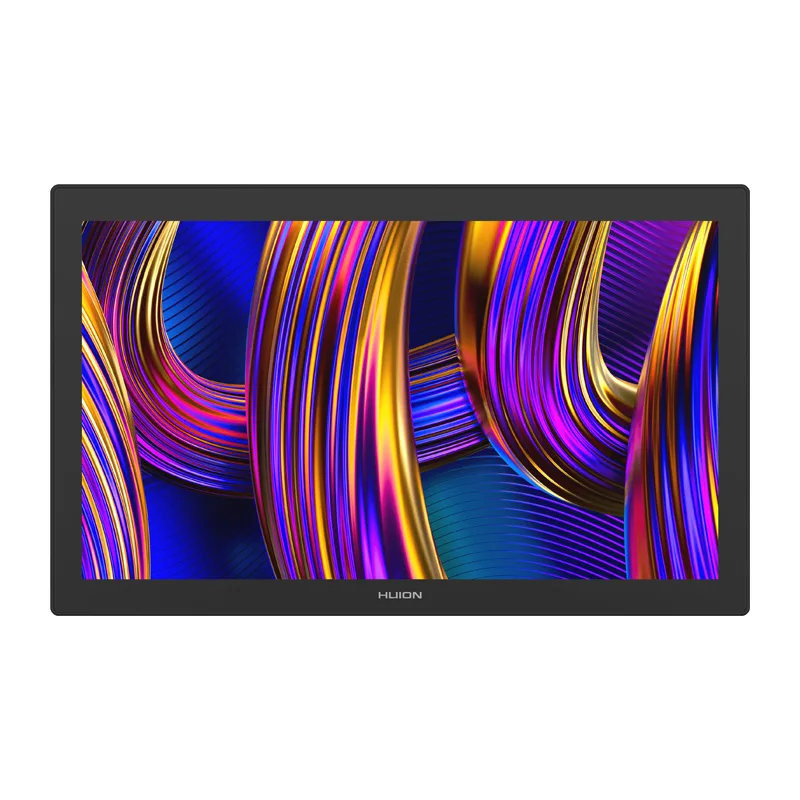
Choose Kamvas Pro 27 (144Hz) for a large 27 inch desktop canvas with finger touch navigation and an integrated stand.7