Head to head
Huion Kamvas 16 (Gen 3) vs Xencelabs Pen Display 24+
Our pick
Huion Kamvas 16 (Gen 3)
Pen displays
Why this one
- Six shortcut keys beside the 15.8-inch screen give your free hand a place for frequent drawing commands while leaving the keyboard aside.1
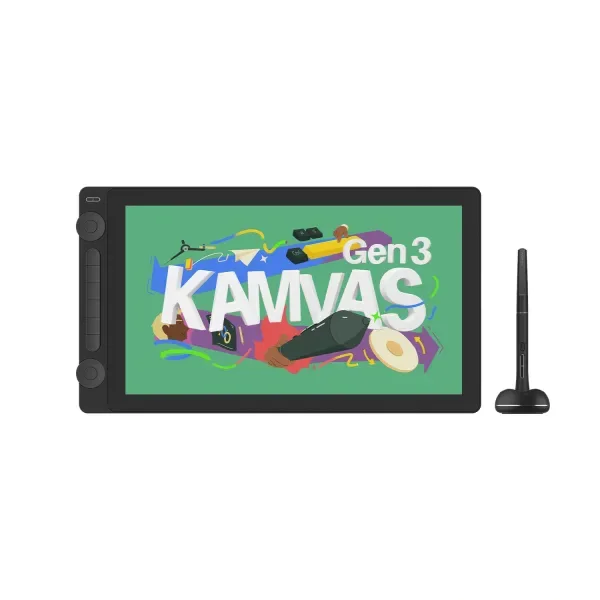
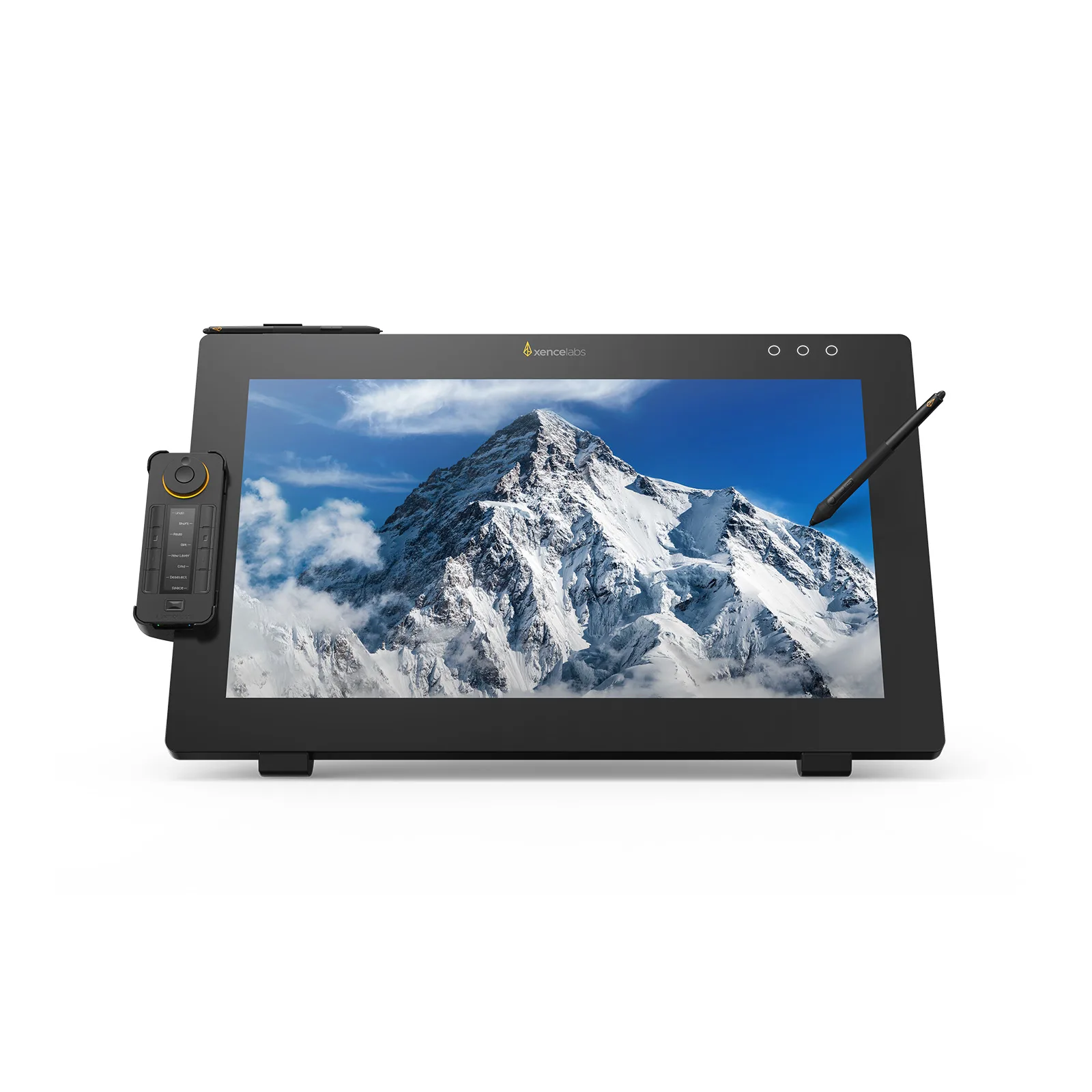
Product photographs. Not to scale.
What Xencelabs Pen Display 24+ offers
Xencelabs Pen Display 24+ gives artists a 23.8-inch canvas for a spacious desktop drawing setup, with 99% Adobe RGB coverage for work in that color space.23
What differs
| Specification | Huion Kamvas 16 (Gen 3) | Xencelabs Pen Display 24+ |
|---|---|---|
| Screen size | 15.8 in1 | 23.8 in2 |
More details
| Specification | Huion Kamvas 16 (Gen 3) | Xencelabs Pen Display 24+ |
|---|---|---|
| Pressure sensitivity | 16,3841 | 8,1924 |
| Adobe RGB coverage | Not published | 99%3 |
| Horizontal resolution | Not published | Not published |
| Panel type | Ips1 | Ips2 |
| Refresh rate | Not published | 60 Hz3 |
| Shortcut keys | 61 | Not published |
| Laminated screen | Yes1 | Not published |