5 models compared
Drawing tablet shortcut remotes
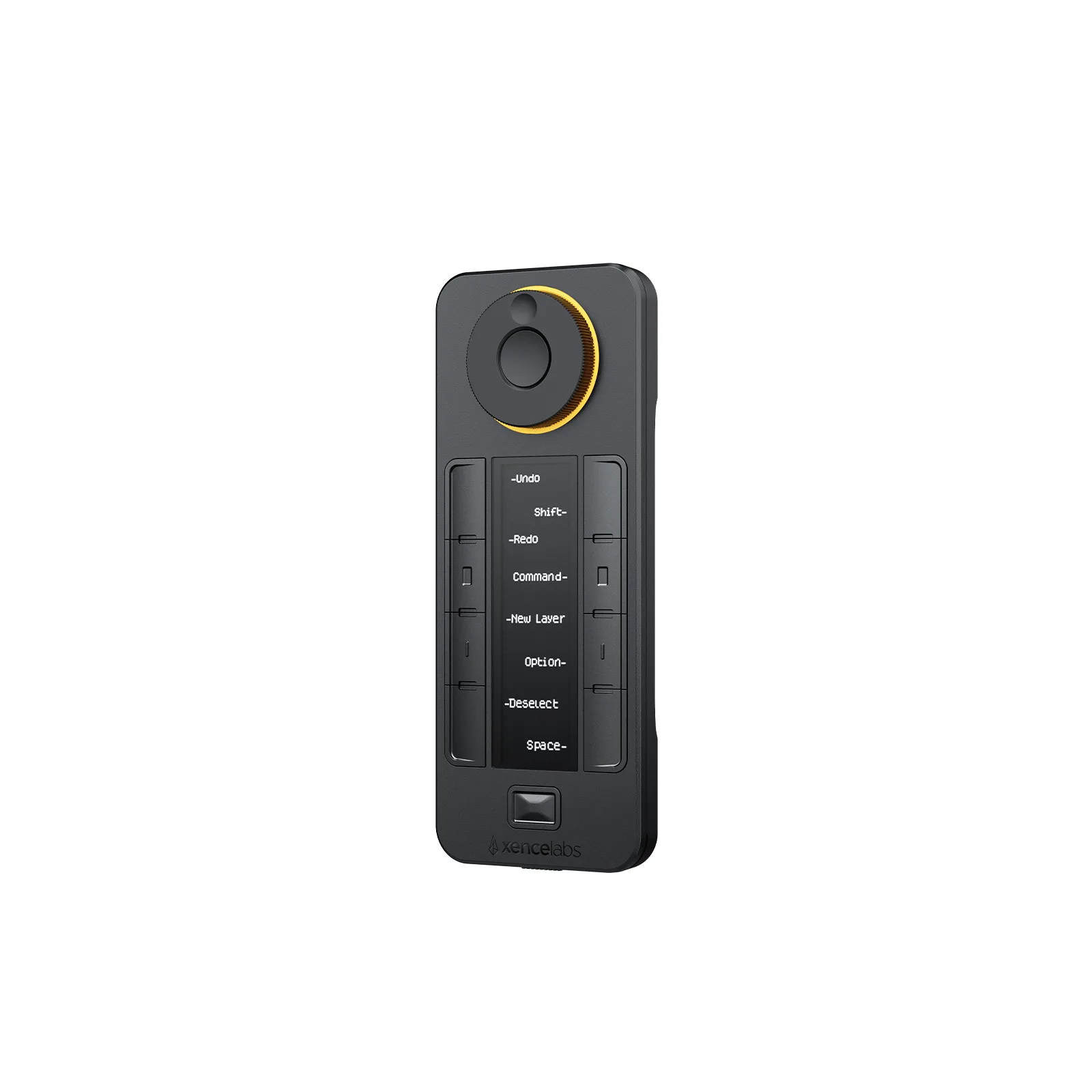
Choose Xencelabs Quick Keys for a drawing desk where you switch shortcut sets: its OLED display keeps the button assignments visible.1
Compare products. Choose well.
Drawing Tablets
Check an accessory’s device fit before buying. For stands, compare the supported display size and tilt settings with your drawing setup.2
Browse categoriesFind your starting point
5 models compared
Choose Xencelabs Quick Keys for a drawing desk where you switch shortcut sets: its OLED display keeps the button assignments visible.1
5 models compared
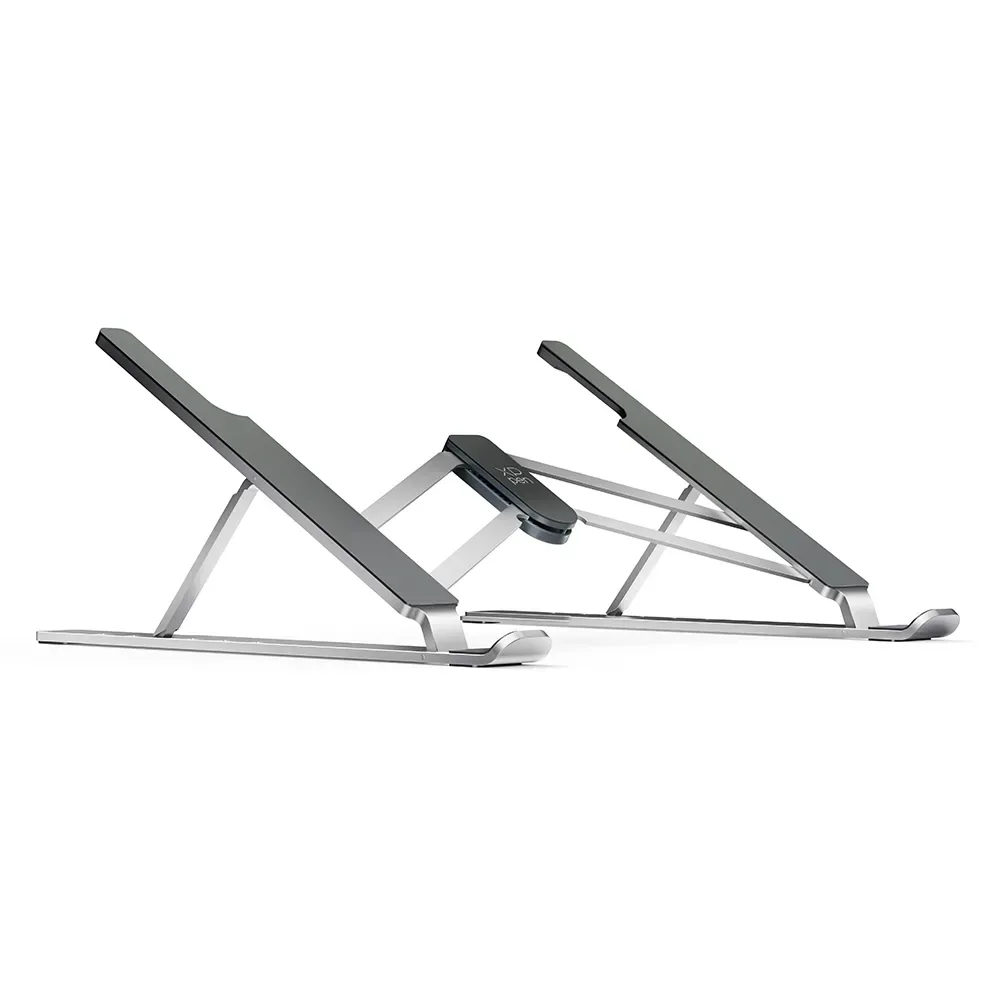
Choose the XPPen ACS05 for a compatible 12 to 16 inch drawing display when you want six tilt settings between 18 and 45 degrees.2
Explore the models